




This article provides possible causes and solutions if your headphones or portable device battery isn't charging. If the battery still won't charge, please contact us.
Battery information
- If your headphones/device have been exposed to high or low temperatures, let them
adjust to room temperature and then try charging them again. - The battery may be deeply discharged. Deep discharge is not normally a defect. Therefore, we recommend that you charge the device once for at least 24 hours using the supplied charging cable/power adapter to rule out any defect, even if the charging LED does not light up immediately.
- Further information on this topic:
ROCKSTER / ROCKSTER AIR: The battery is not charging and/or is discharging very quickly. Is this a defect?
Teufel devices with batteries - tips for proper battery charging- How to properly charge and maintain the battery to ensure its full lifespan and capacity are maintained can be found in our blog: Properly charging and maintaining the battery
- Blog guide: Deep discharge: How you might still be able to save a deeply discharged battery
Check the power supply/charging adapter.
- Is it plugged in correctly? Try using a different power outlet.
- Are both ends of the charging cable properly and securely plugged in? Try using a different charging cable.
- If your charger has been exposed to high or low temperatures, let it
adjust to room temperature and then try charging the battery/device again. - If no charging adapter was included :
- Does your charging adapter/plug provide the minimum power required by your product to operate and/or charge its battery? You can find the power specifications either in the user manual or on the product page in the online shop . USB-C charging adapters with a higher wattage output can also be used, as the product draws its power from them variably. If your charging adapter/plug provides insufficient power, try a different one.
If the wireless headphones won't charge:
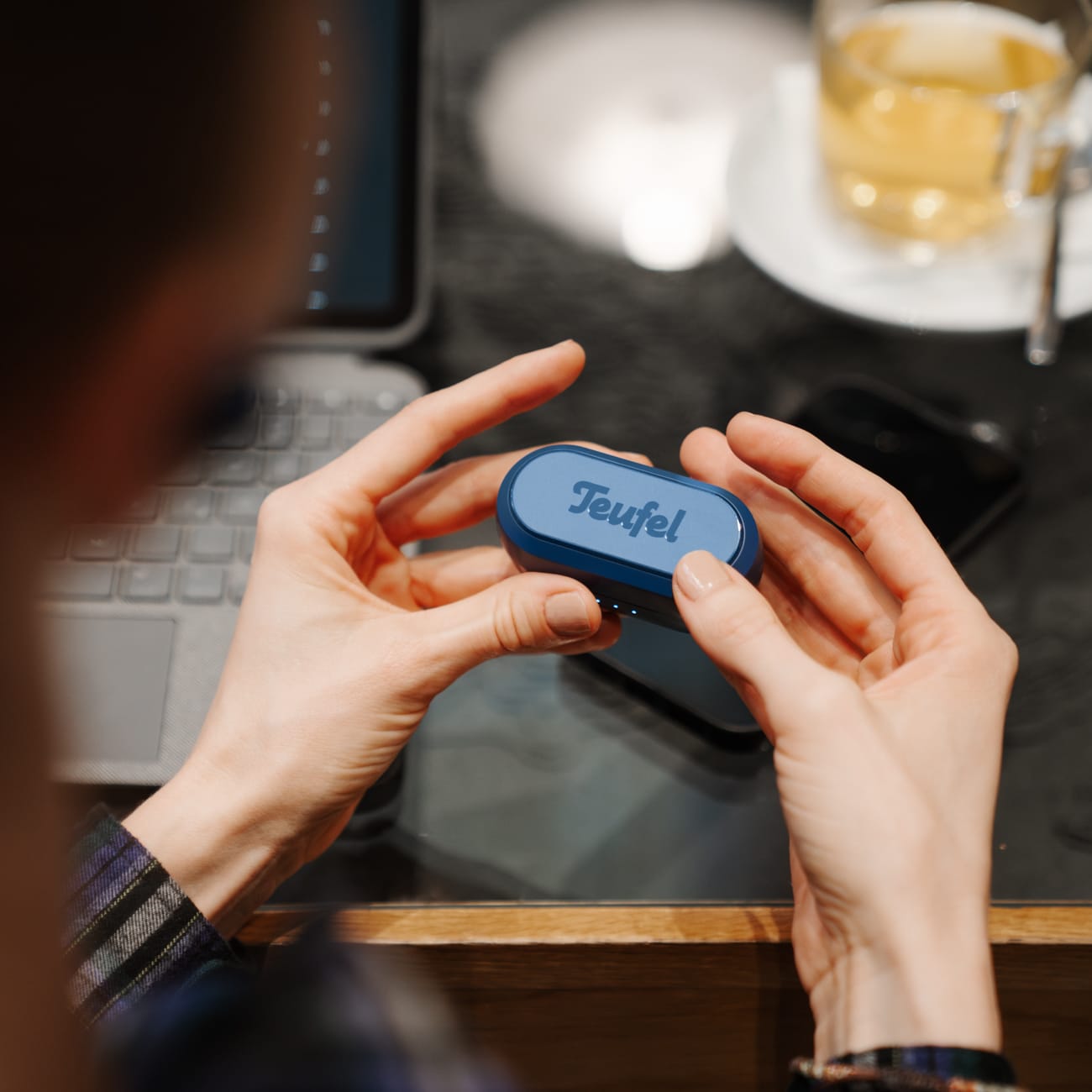
Specifically designed for True Wireless (TWS) headphones with charging case:
- Make sure the headphones are correctly inserted into the charging case and correct this if necessary.
- Make sure the charging box battery is not empty. If the charging box battery is empty, recharge it.
- Check if there
is any protective film, dirt, or residue on the charging contacts in the case or on the headphones. Further reading > You can find more tips on cleaning headphones in our blog.
for all wireless headphones:
- Check if there is any protective film, dirt, or deposits on the charging contacts of the headphones.
- Check the charging cable and power adapter as described in this article .
- If your headphones have been exposed to high or low temperatures, let them adjust to room temperature and then try charging them again.
- If you suspect a defect in your headphones, the guide " My headphones are defective - what to do?" will help you .
If, after following the instructions above, it turns out that your device's battery is defective, please contact us